How do I manage guests in my space?
If you have a visitor coming into your office, you can register them through the Kitt app.
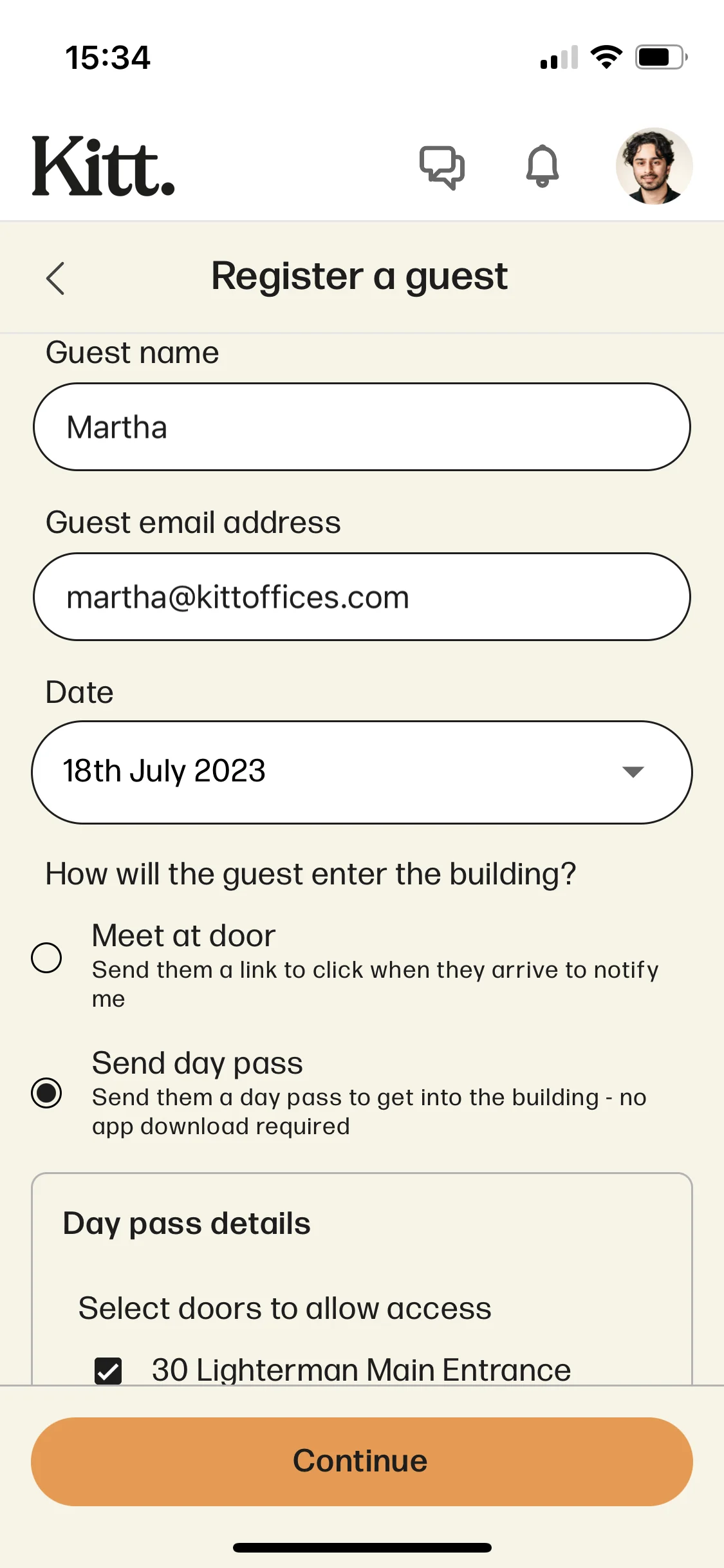
Find the Who's visiting tile on your home page, which will bring up a page of all the visitors coming to the office. Then, click Register a guest, to enter the name and email address of your visitor.
You'll have the option to choose whether you want to send your guest a Day Pass or not. A Day Pass will grant them temporary access to your space for the specified duration of time. They will not need to download the app for this access, as it will be emailed to them via a web link.
You can select which doors you would like them to receive a pass for.
Once they’re at the door you’ll receive a notification, so you can head over to meet them in the welcome area and make their visit seamless from the get-go.
Tip: You can give your guests access to specific entrances, such as into the lobby of your building. From there, you can meet them and give them a proper welcome!
How do I cancel a guest?
If you wish to revoke a guest pass, it’s easy to do so. You just need to do the following:
- Head to Who’s visiting on your app or Visits on Kitt web
- Look for your guest in Upcoming visits
- Open up the visit and press cancel